
EasyFit kcal Counter5.8 - AppGallery
You'll be able to see results in few seconds.
Publisher Description
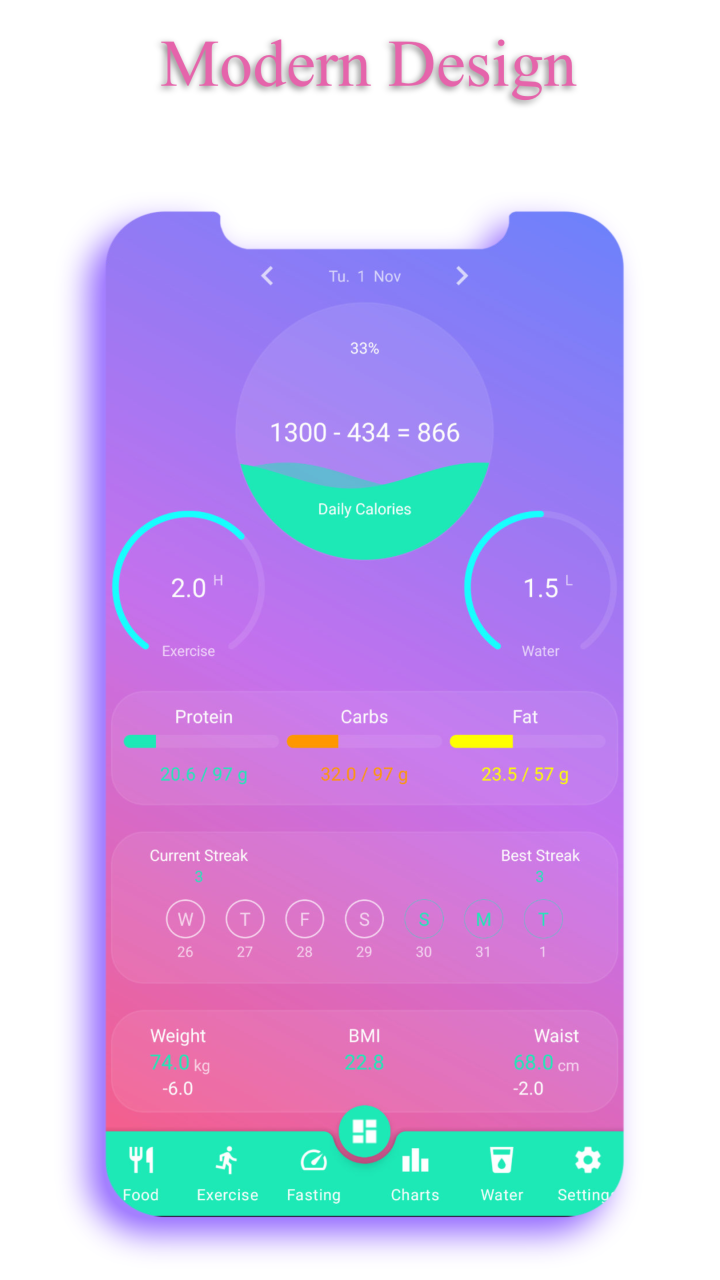

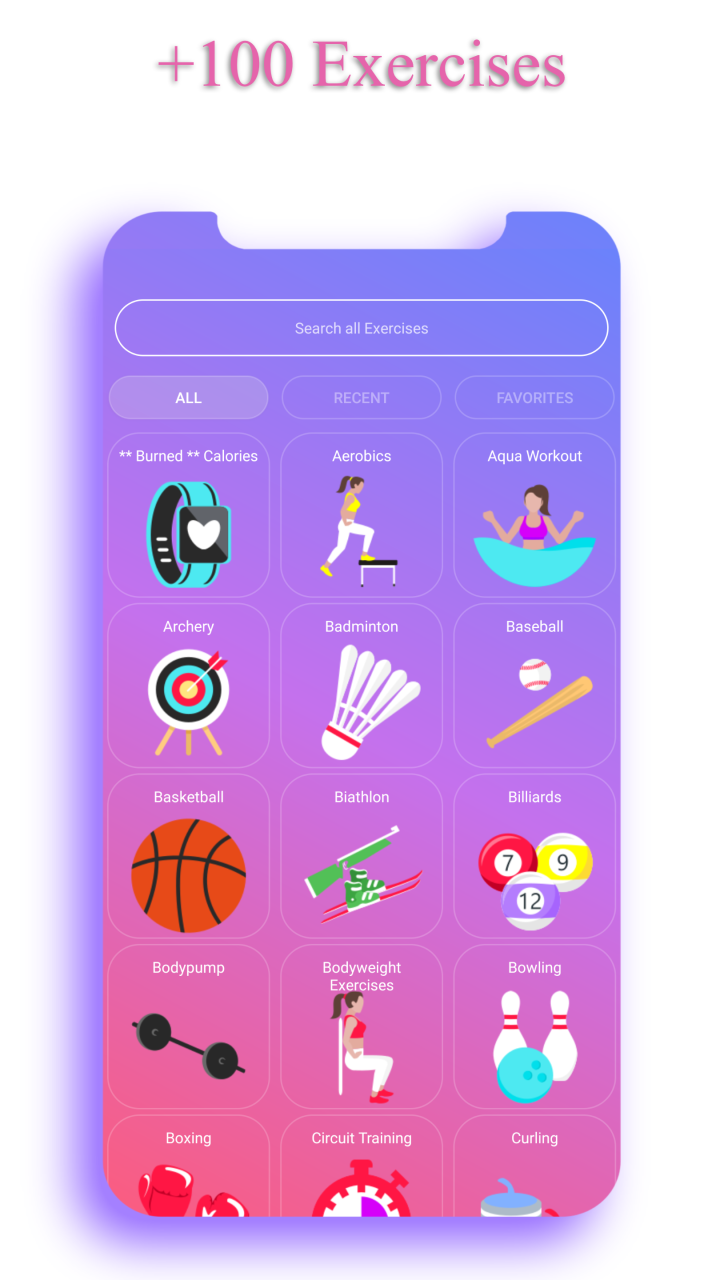
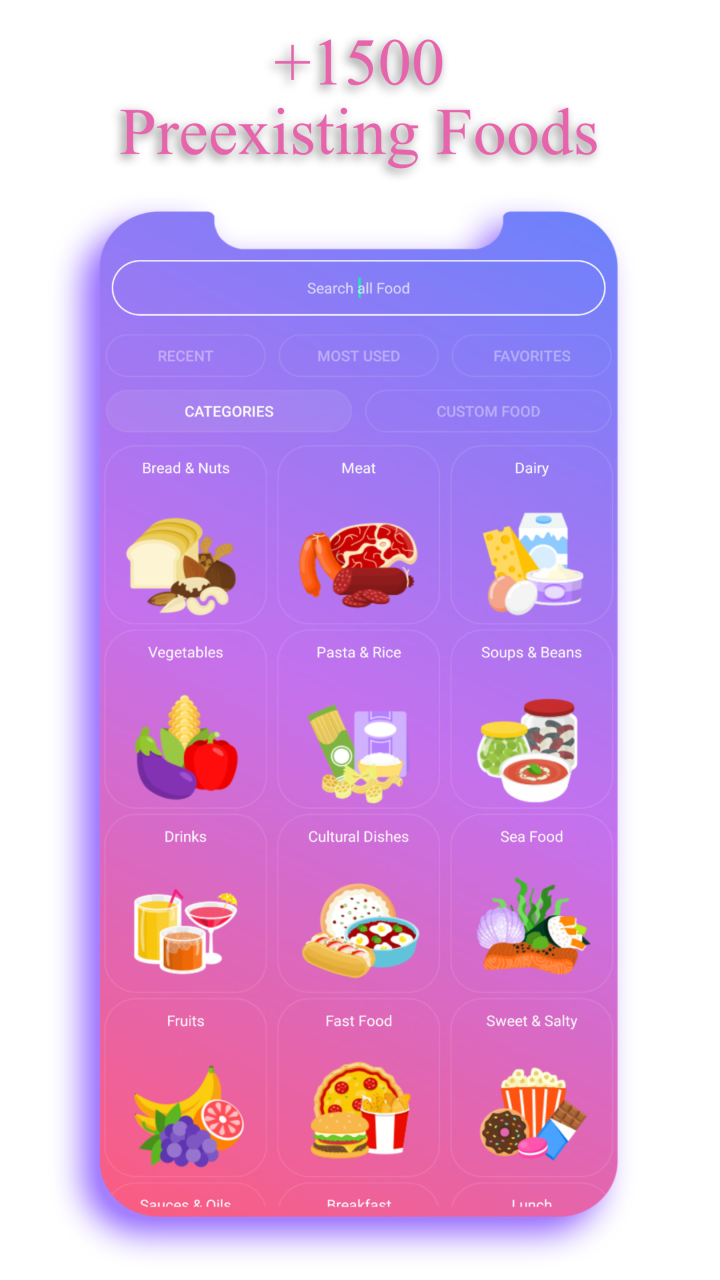
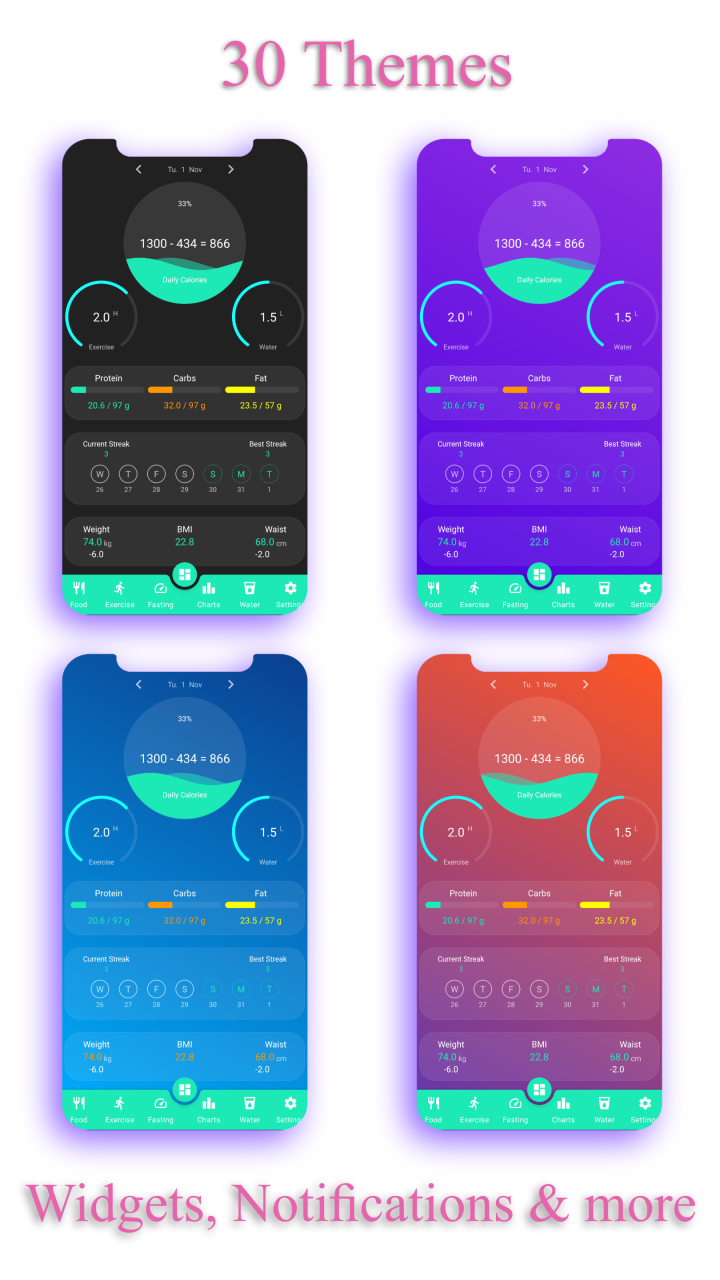
Easy Fit calorie counter tracks your food, exercises, weight/waist progress and macros.
See animated statistics, make your own food and achieve all your fitness goal.
No login, all functions for FREE and extremely fast.
Use Easy Fit to lose weight, gain muscles or simply improve your fitness.
Straight and effective
★ No hundreds of lists of same food. No confusion. Just pick the food and add it. All calorie estimation are
carefully calculated and very well tested to produce great results.
★ Thousands of users are extremely happy with the weight loss results since they used EasyFit. Start now and achieve your goals.
2 in 1
★ Not only a food tracker for burned calories, but also a exercise tracker as well where you can track your exercises manually as well as using a Live Tracker .
Burn more calories and achieve your goals like lose weight or gain muscles.
★ EasyFit shows your daily calories in a cool moving colorful wave.
★ Choose any fitness goal like weight loss, bodybuilding, gain muscles and lose fat at the same time for athletes and let this diet and fitness app do the job for you and calculates your maximum daily calories to achieve your goals.
100% Privacy
★ NO shady permissions. NO data collecting/selling. Everything is saved locally. Your privacy is guaranteed!
Statistics
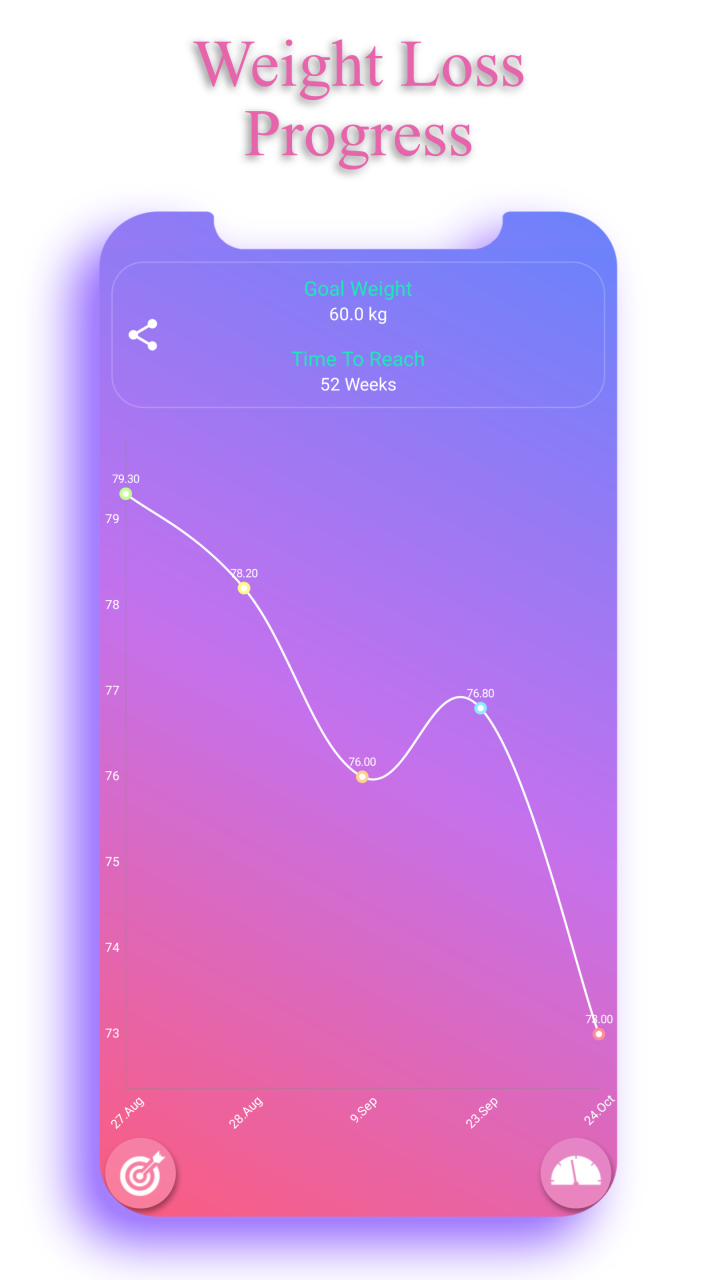
★Fastest calorie counter app with 4 Animated & Zoomable Statistics about your calories, exercise time, macros and weight progress. You'll be done with calculating your daily calories from your food for the day in no time.
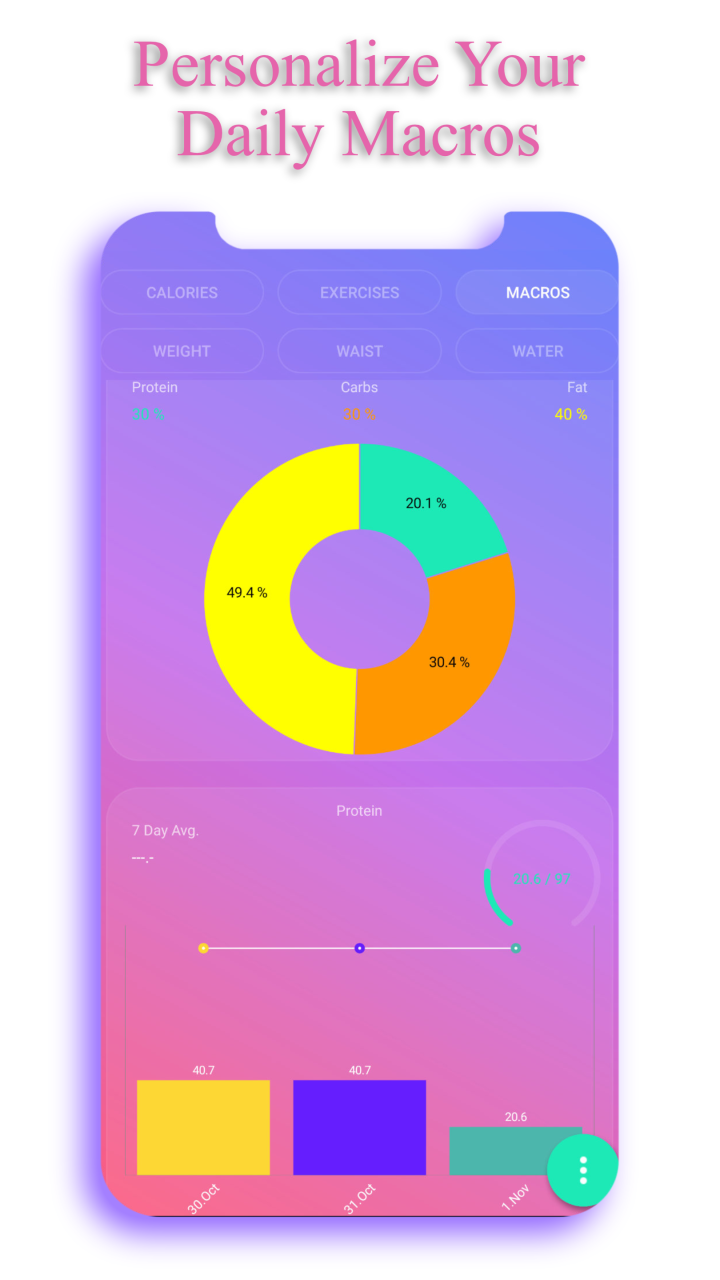
★ EasyFit also counts your daily macros based on the food you ate and shows you a cool animated colorful pie chart with macro percentages. You can also set the percentages you would like to achieve.
Personalization
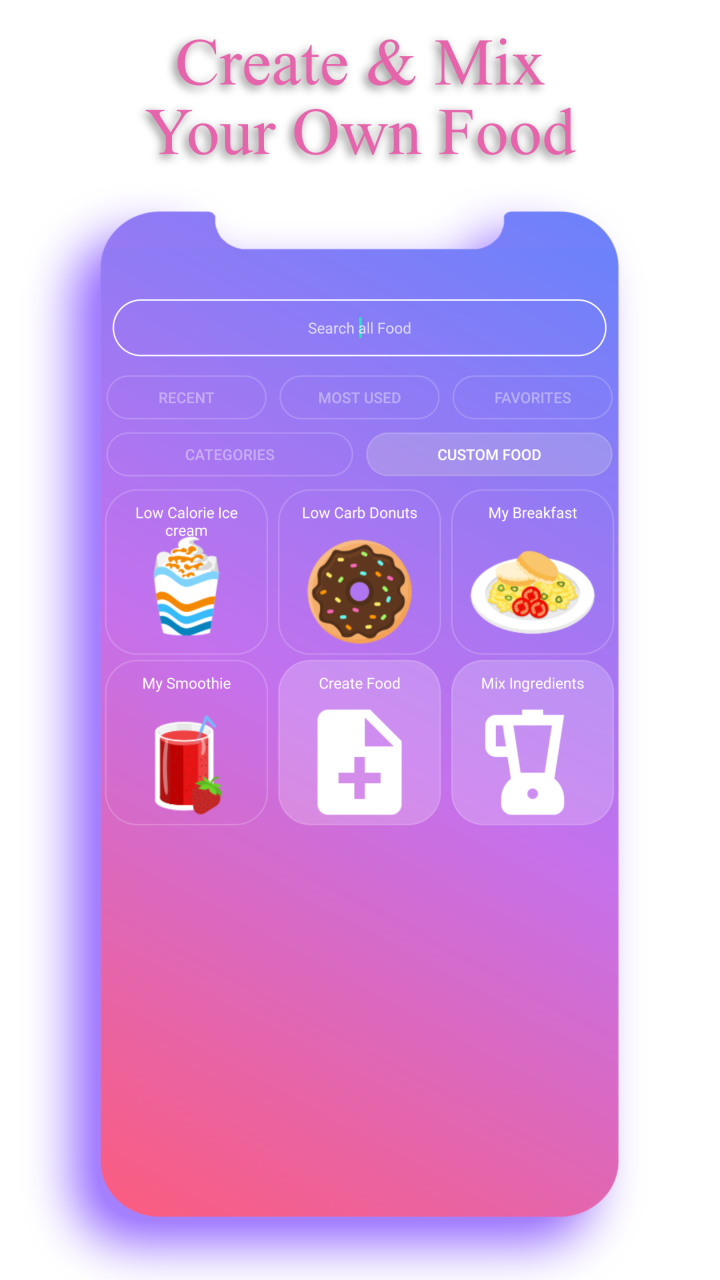
★ With is amazing food tracker, you can create your own food, or mix several foods into new meal letting EasyFit calculate your burned calories automatically.
★ This food diary has 24 beautiful colors to choose from and put your own feel into this best calorie counter app.
Speed & Design
★ Search EasyFit calorie counter for any foods it already has or the foods you created to speed up your calorie counting time even more.
★ Easy Fit is an extremely fast weight loss tracker and is very beautifully designed. It is not only the fastest calorie counter app on the market, but the most beautiful as well.
★ EasyFit has not one, but two widgets weekly exercise widget to track your burned calories and lose weight by becoming fitter, and daily calorie widget to always see how much food you ate and how much you have left.
★ This food diary has original food icons & exercise icons and is very easy to use.
Enjoy my Calorie Counter, share it with your friends & rate it 5 Stars to support this great free app and help it reach more people helping them succeed in their journey :)
Website
http://www.easyfit-caloriecounter.de
Note from Developer
Please write an email about any opinion/wish you have.
I will gladly implement wishes of my users who show appreciation for the hard work and great free functionality of this App :)
Email: herzberg.developer@gmail.com
About EasyFit kcal Counter
The company that develops EasyFit kcal Counter is Herzberg Development. The latest version released by its developer is 5.8.
To install EasyFit kcal Counter on your Huawei device, just click the green Continue To App button above to start the installation process. The app is listed on our website since 2023-03-27 and was downloaded 0 times. We have already checked if the download link is safe, however for your own protection we recommend that you scan the downloaded app with your antivirus. Your antivirus may detect the EasyFit kcal Counter as malware if the download link to C100053619 is broken.
How to install EasyFit kcal Counter on your Huawei device:
- Click on the Continue To App button on our website. This will redirect you to Huawei Store.
- Once the EasyFit kcal Counter is shown in the Huawei Store listing of your Huawei device, you can start its download and installation. Tap on the Install button located below the search bar and to the right of the app icon.
- A pop-up window with the permissions required by EasyFit kcal Counter will be shown. Click on Accept to continue the process.
- EasyFit kcal Counter will be downloaded onto your device, displaying a progress. Once the download completes, the installation will start and you'll get a notification after the installation is finished.
Program Details
System requirements
Download information
Pricing
Version History
version 5.8
posted on 2023-03-27
Disclaimer
Official AppGallery Link
We do not host EasyFit kcal Counter on our servers. We did not scan it for viruses, adware, spyware or other type of malware. This app is hosted by Huawei and passed their terms and conditions to be listed there. We recommend caution when installing it.
The AppGallery link for EasyFit kcal Counter is provided to you by apps112.com without any warranties, representations or guarantees of any kind, so access it at your own risk.
If you have questions regarding this particular app contact the publisher directly. For questions about the functionalities of apps112.com contact us.
